Notes
Write everyday notes, ideas, personal records, shopping details, meeting points, study notes, and reminder context. Use AI-assisted correction to rephrase or fix grammar when available.
RemindQuick Secure Notes helps you capture personal notes, daily records, passwords, policy details, mini account information, and to do list items in one private Android notes workspace.
Download RemindQuick on Google Play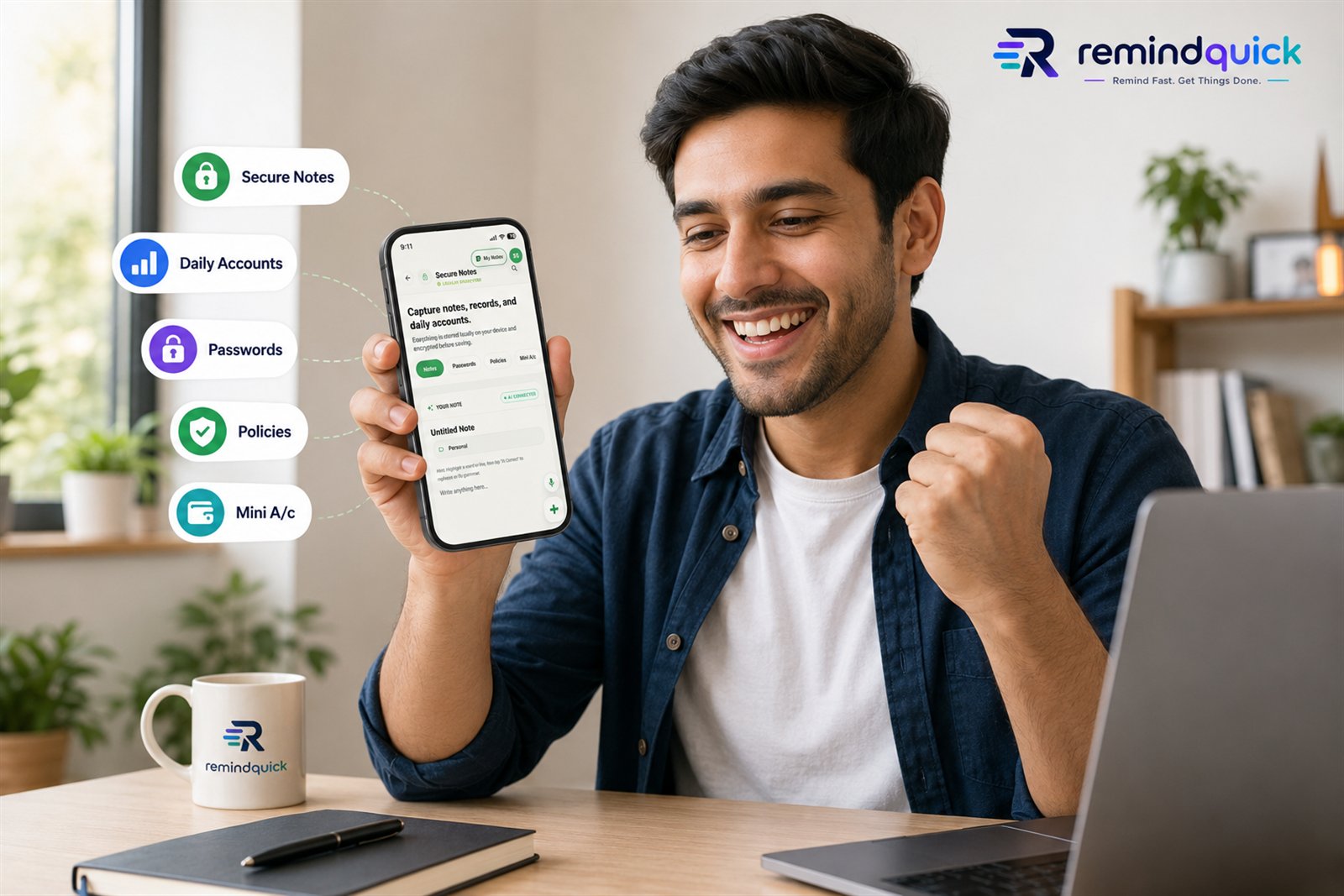
Important privacy highlight: Secure Notes information is stored locally on the user's phone and encrypted before saving. This makes RemindQuick useful for people searching for a private notes app, local notes app, encrypted notes app for Android, personal records app, and offline notes workspace.
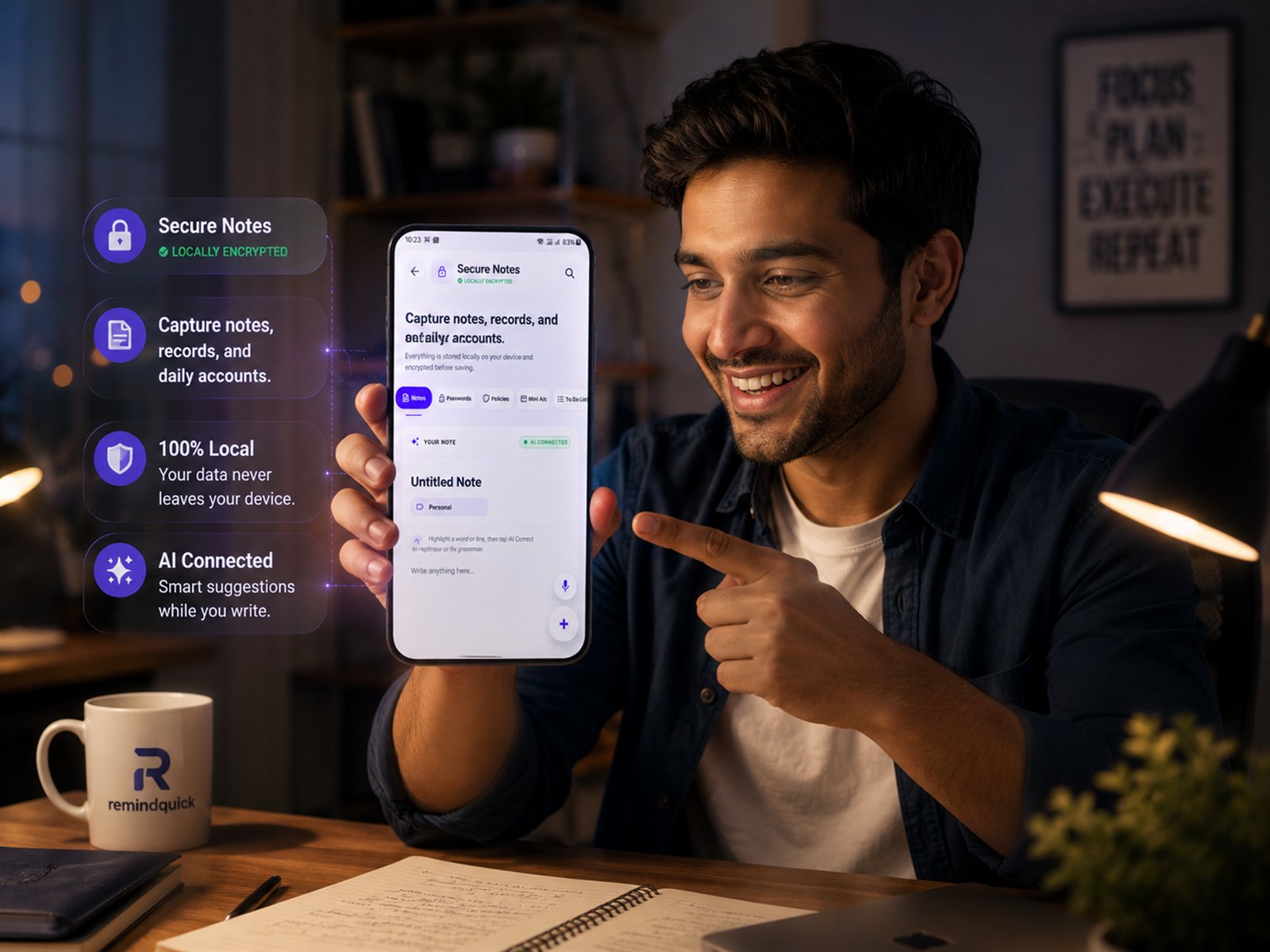
Write everyday notes, ideas, personal records, shopping details, meeting points, study notes, and reminder context. Use AI-assisted correction to rephrase or fix grammar when available.
Keep password hints, login reminders, account references, and private access notes organized locally on your Android device. Avoid mixing sensitive details with general chat or cloud documents.
Save policy, insurance, investment, warranty, subscription, or plan details in a clear personal records section. This is designed for global users, not one country-specific format.
Use Mini A/c for small account records, simple money notes, personal balances, lending notes, expense references, or lightweight daily account tracking.
Create quick to do list items, daily tasks, personal follow-ups, chores, errands, and simple checklist items beside your reminders and notes.
Search words inside your notes sections, switch between categories, and keep important personal information easier to find when you need it.
Yes. Secure Notes information is stored locally on your mobile device and encrypted before saving. This includes Notes, Passwords, Policies, Mini A/c, and To Do List content.