C
Smart contact sync
Import phone contacts after permission is granted. When auto sync is enabled, RemindQuick can refresh contacts when the app opens so new phone contacts stay easier to find.
RemindQuick Contact Command Center helps you import phone contacts, sync new people, create groups, clean duplicate contacts, and remember birthdays, anniversaries, client calls, family check-ins, and important follow-ups.
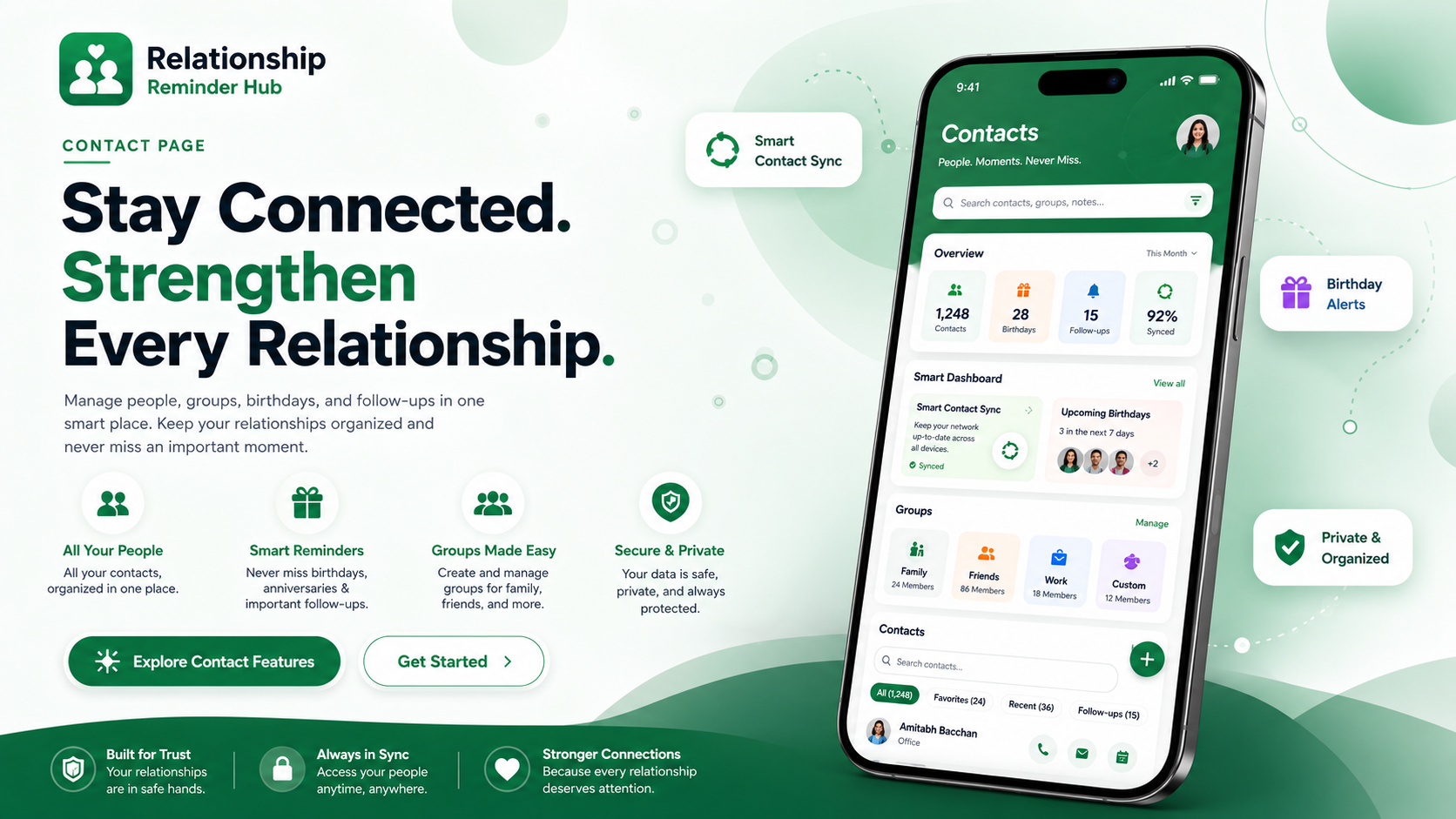
Import phone contacts after permission is granted. When auto sync is enabled, RemindQuick can refresh contacts when the app opens so new phone contacts stay easier to find.
Create contact groups for family, friends, work, clients, caregivers, study, or custom lists. Add contacts with email so group sharing and shared reminders are easier to manage.
See duplicate contacts, share-ready emails, contacts in groups, birthdays, and emergency contacts so you know what to improve for a cleaner relationship reminder hub.
The Contact Command Center is built for people who search for a contact reminder app, relationship manager, birthday reminder app, follow-up reminder app, and smart contact organizer for Android.
Bring contacts from your Android phone into RemindQuick after granting contact access.
Refresh contact changes when the app opens, useful for newly added phone contacts.
Use duplicate counts to improve contact quality and keep people easier to manage.
Track contacts with email addresses so shared group reminders can reach the right people.
Plan birthday reminders, anniversary reminders, appointment reminders, and personal check-ins.
Keep important people organized for family reminders, caregiver reminders, and urgent follow-ups.
It is the contact page inside RemindQuick that helps manage people, groups, duplicate contacts, share-ready emails, birthdays, emergency contacts, and relationship follow-ups.
Yes. When contact permission and auto sync are enabled, RemindQuick can refresh contacts when the app opens so newly added phone contacts are easier to keep in the app.
Yes. You can create groups for family, friends, work, clients, caregivers, or custom lists, then use those groups for shared reminder planning.
No. RemindQuick combines contact reminders with voice reminders, repeat reminders, reliable Android notifications, secure notes, shared groups, and AI-assisted planning.