Create groups for real-life coordination
Make groups such as Family, Parents, Home, Study, Clients, or Work. Add members from contacts and assign reminders that matter to more than one person.
Use shared reminder groups and contact groups to coordinate family reminders, parent care, household tasks, study plans, client follow-ups, and small team reminders.
Download RemindQuick on Google Play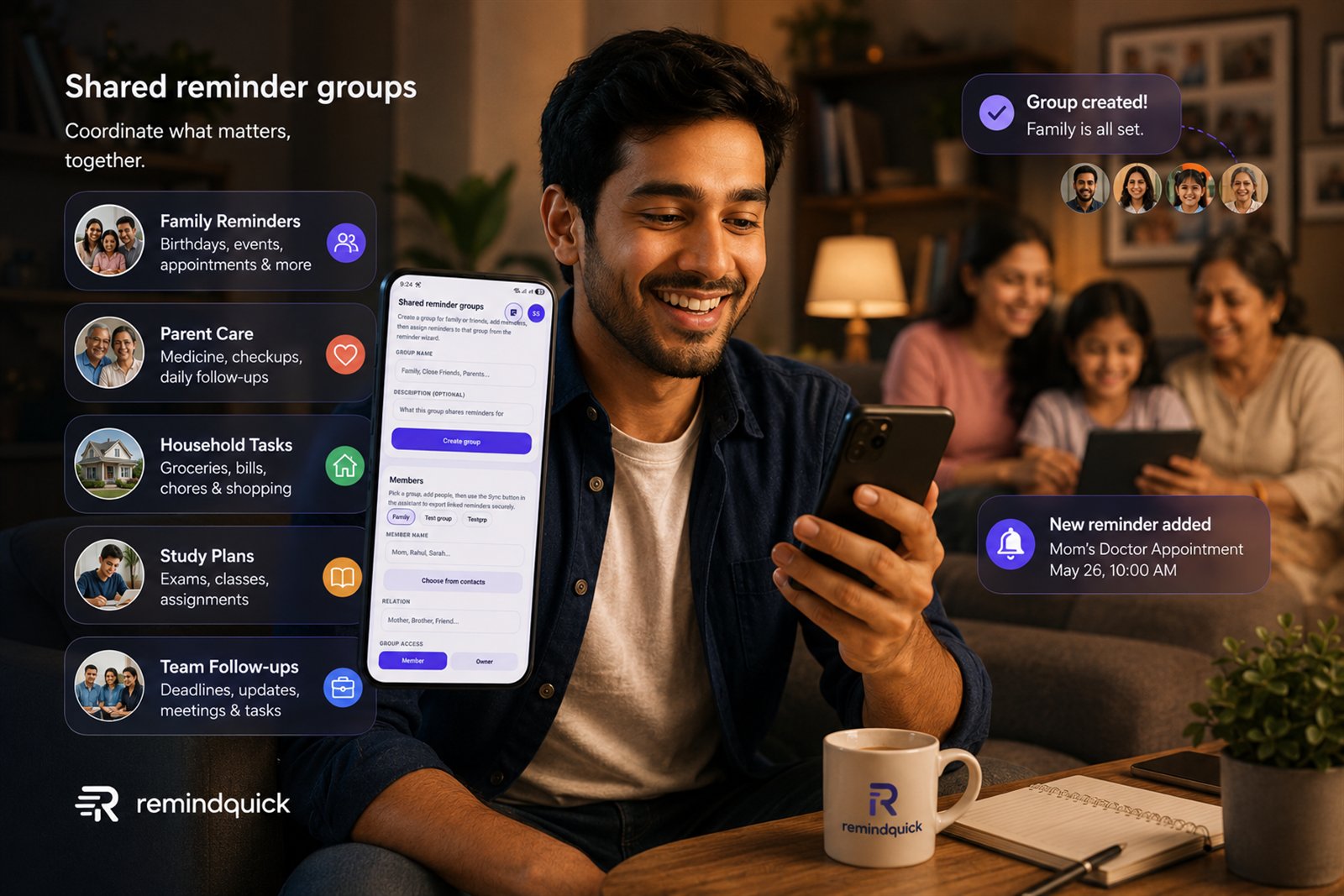
Make groups such as Family, Parents, Home, Study, Clients, or Work. Add members from contacts and assign reminders that matter to more than one person.
Group reminders can help with medicine routines, doctor appointments, school tasks, bill due dates, household responsibilities, and recurring family plans.
Use the Contact Command Center to import people, keep email-ready contacts organized, and sync shared groups when group reminders need to reach other users.
You can create a group, add members, assign reminders to that group, and use sharing or sync features to coordinate reminders for family, caregivers, friends, or teams.